Say it, Confirm it, Remika reminds you
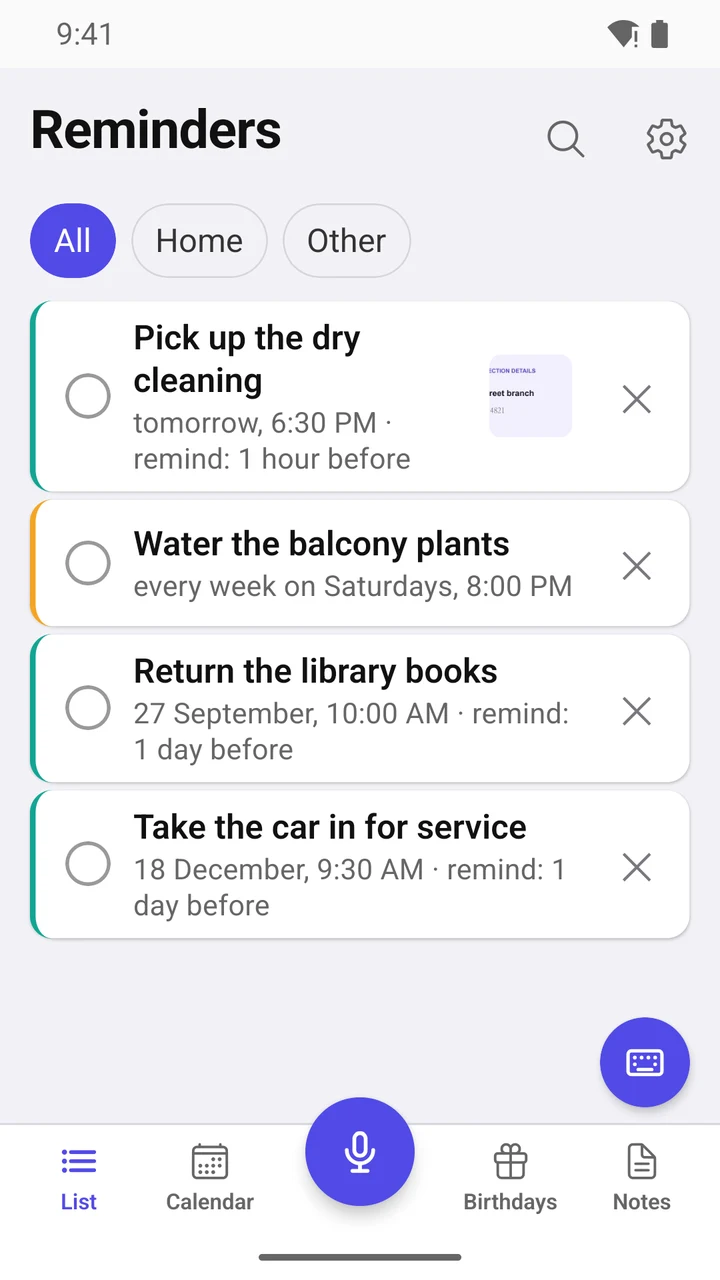
Calendar, notes, birthdays
Dictate your task by voice — Remika sets the reminder for you.
 Point your phone's camera here to open Google Play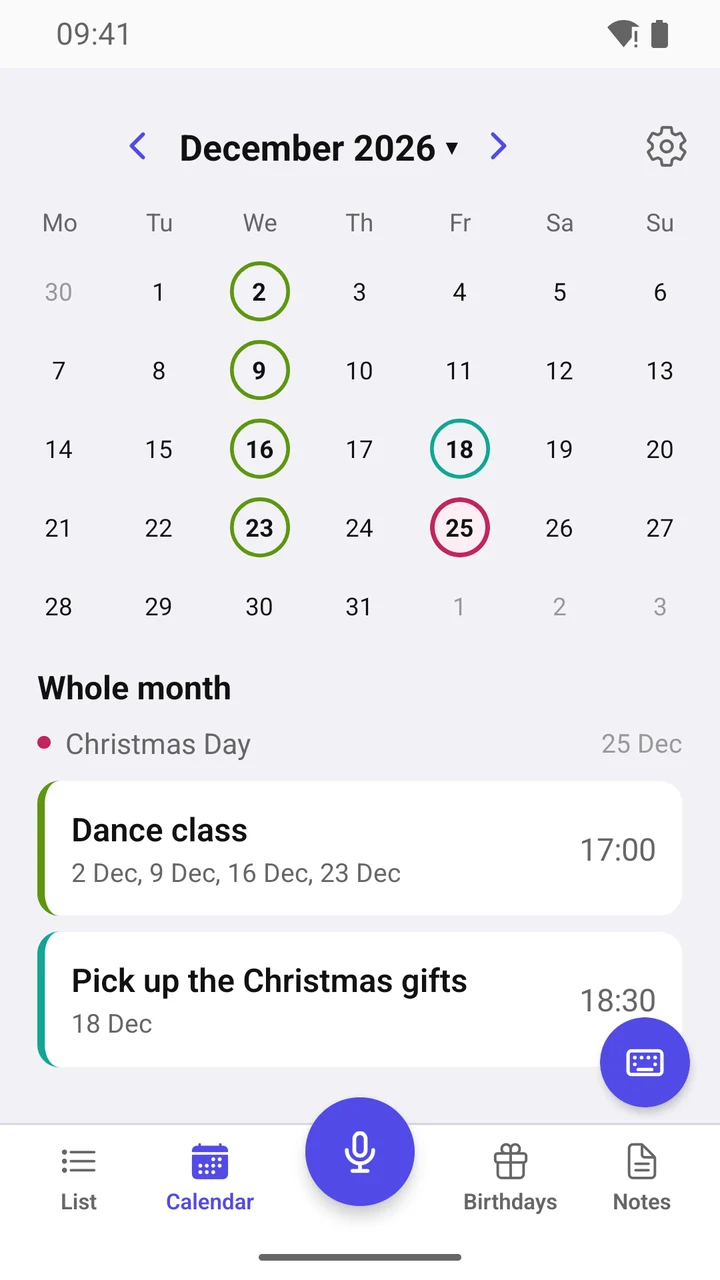
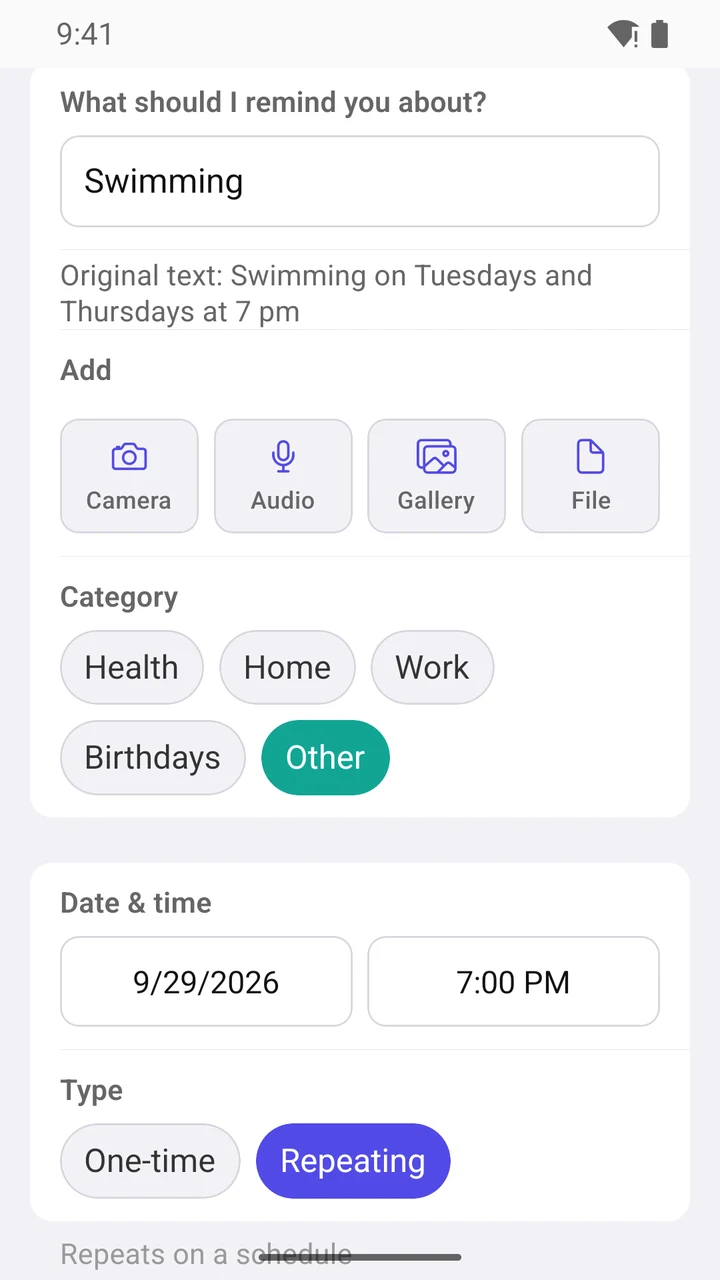
For example: “Dentist tomorrow at 10” or “Workout on Tuesdays at 7 pm”. Speak as you normally do: Remika figures out the date, time, and repeat itself — all you have to do is check and tap “Save”.
Never miss a thing
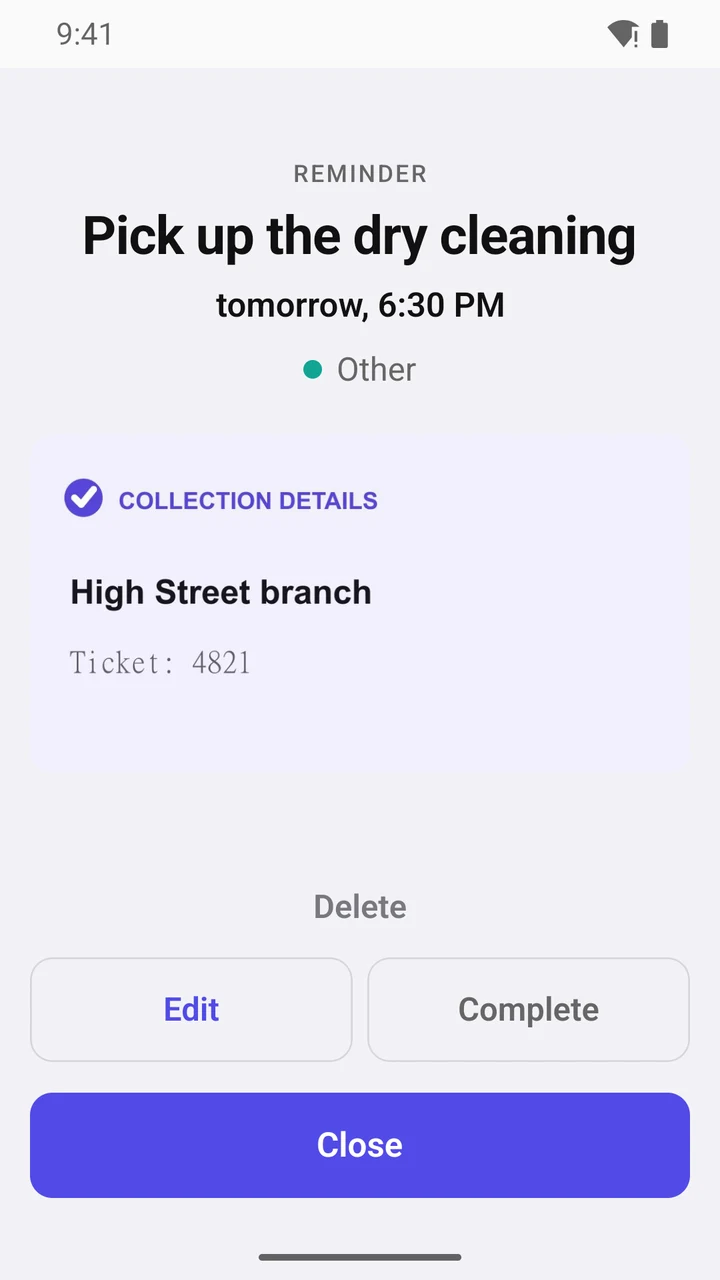
- Early alerts: 30 minutes, an hour, or a day before (you can pick several at once).
- Repeats missed reminders: one to five times, at intervals from 5 minutes to an hour.
- Right in the notification: “Complete” or snooze — “+15 min”, “+1 hour”. No need to open the app.
- A daily or weekly to-do list arrives at a time you choose.
- Quiet hours: at night, reminders arrive on time but silently — the notification waits until morning.
- Reminder tone — any sound from your phone.
- Is an early alert enough? You can turn off the alert at the time of the event itself — for all reminders or just one.
Understands natural speech
- Understands 15 languages. Almost every phrase is parsed right on the phone, without internet — only very complex ones go to the AI.
- Say it your way, no set phrases: “Turn off the oven in 20 minutes”, “Call Anna on Sunday evening”, “Take out the recycling every other Tuesday”, “Pay the rent every month on the 30th”.
- Creates two reminders with one phrase: “Dentist tomorrow at 1 pm and on October 1 at 5:15 pm”.
- No silent guessing: if a phrase is ambiguous — “at 7” in the morning or the evening? — Remika asks and lets you pick the right option.
- Catches mistakes: say “Wednesday, October 22” when the 22nd is a Thursday. Remika will clarify which day you meant.
- Speak two languages? Add the second one in Settings: swipe up or down on the microphone button — and dictate in the other language.
- Didn’t specify a time? Remika will set “Buy milk on Tuesday” to your default time, and “after work” to the end of your workday. Both are set just once in Settings.
- In every language, what you say is understood right on your phone — instantly and without the internet. Remika only uses AI for complex phrases, and then only the text is sent to the server.
- If your phone has a speech pack for dictation downloaded, Remika understands you even without the internet — and will show you how to set it up.
Calendar and holidays
- No scrolling through the calendar or setting the time manually — just say what and when to remind you. If another event is already scheduled for that time, Remika will warn you.
- Brings over events from Google Calendar and other phone calendars — along with repeats and early alerts.
- The calendar shows holidays for your country and region (if they are days off) and school breaks.
- Flight tickets, rental cars, meeting invites: if an email has a calendar file (.ics) attached, open it via Remika — and the reminder is ready.
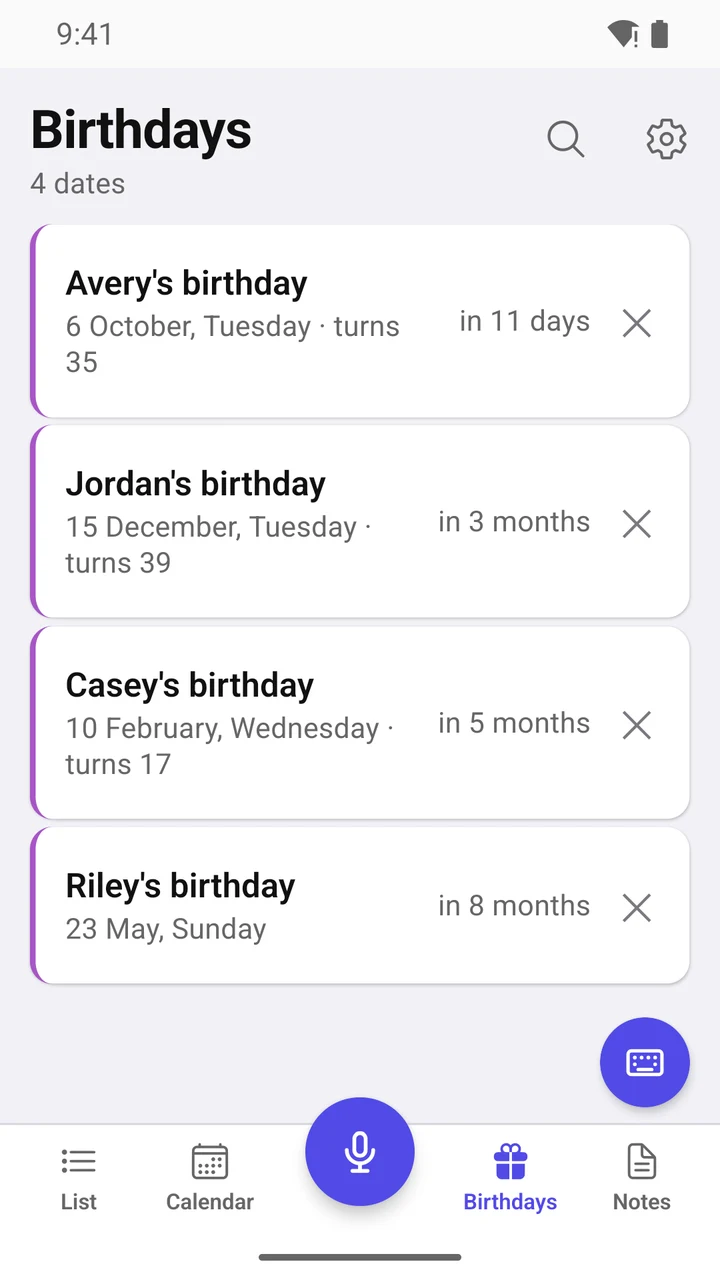
- A separate tab for birthdays: Remika will remind you and show the person’s age if the birth year is known.
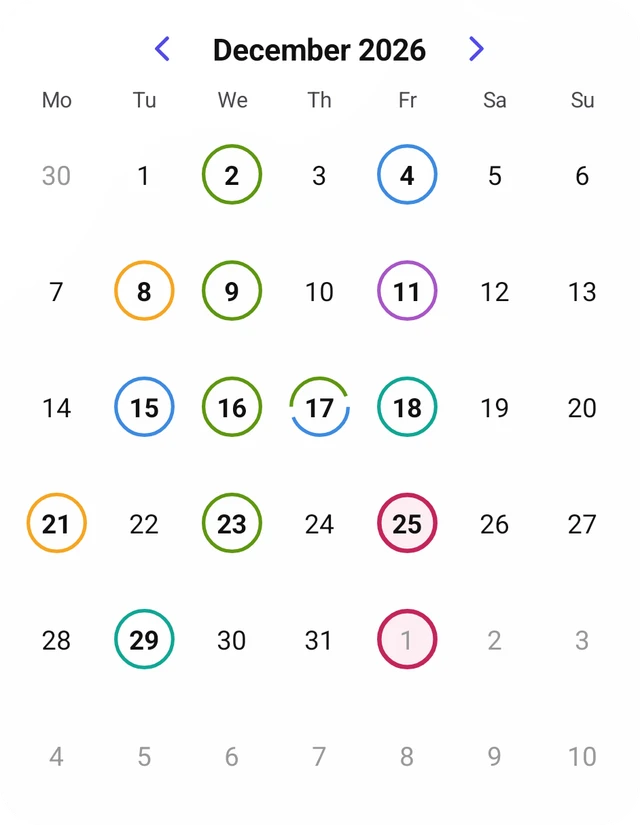
- Every reminder has its own category, each in its own shade: “Work”, “Home”, “Health”, “Birthdays”, “Other”. In the calendar, days are circled in the shade of their events — see the whole month at a glance.
- You can limit repeats: “5 times” or “until November 30” — then the series ends on its own.
Notes
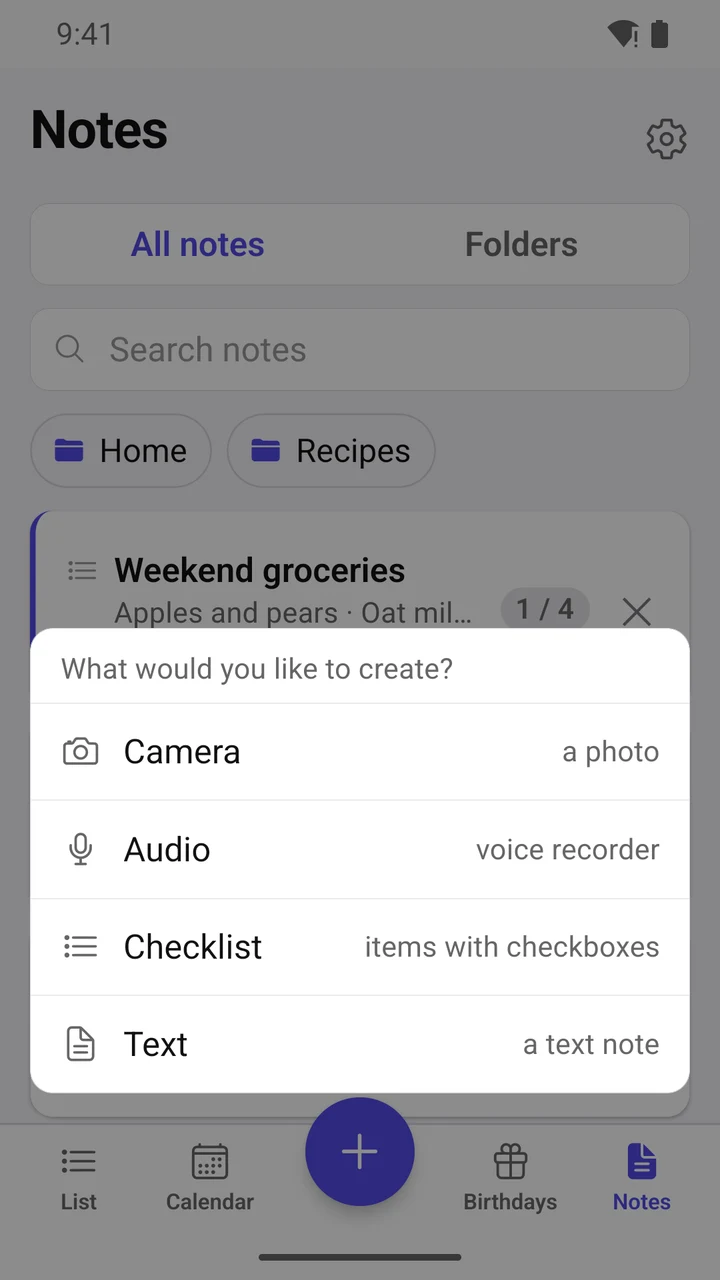
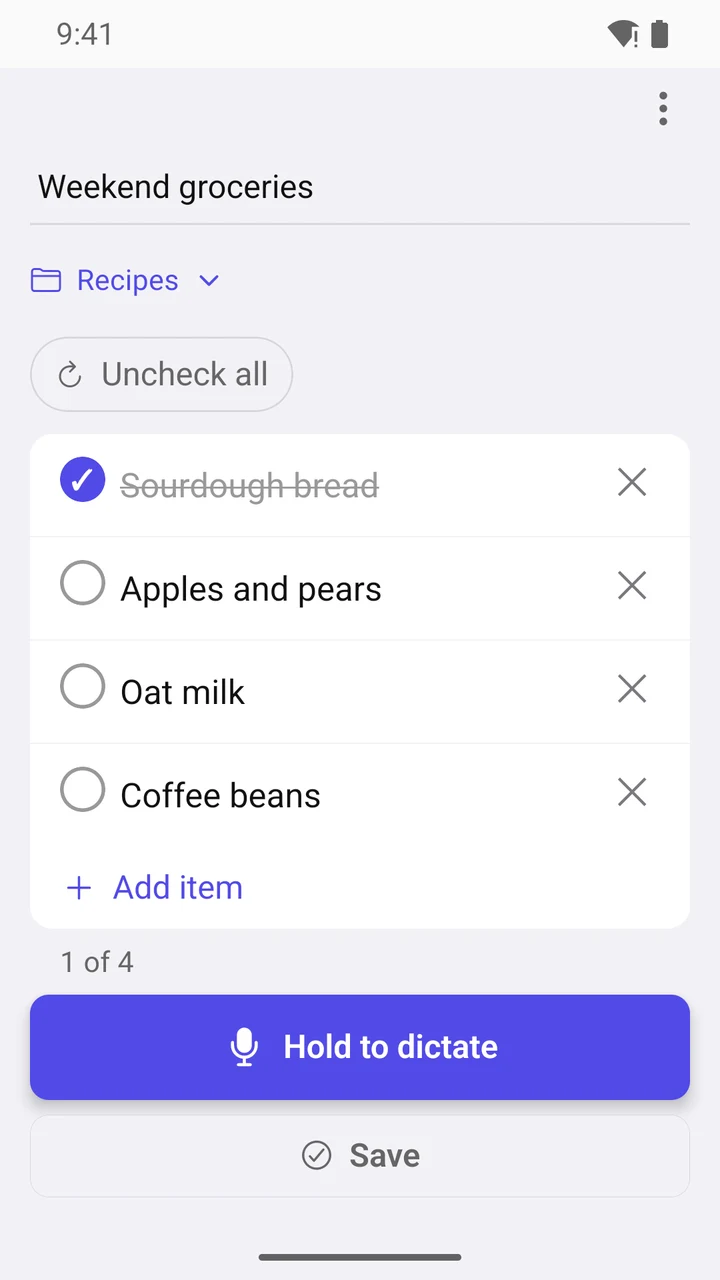
- Shopping list with checkboxes, recipes, class schedules — everything at hand.
- Sort notes into folders, pin the important ones at the top.
- Add up to 5 attachments to a note: photos, files, voice recordings.
- A file from an email, a YouTube video, an article from a website: tap “Share” → Remika, and everything is saved to a note with a title and preview.
- The AI splits a dictated list into items (internet required). The screen doesn’t turn off while the list is open — handy at the supermarket.
Remika on your home screen
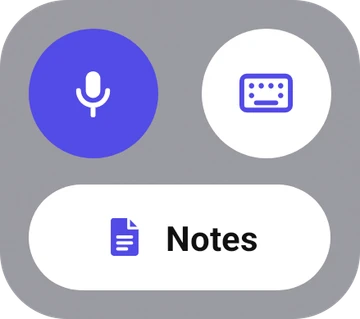
- Microphone button: tap it, and Remika opens and starts listening right away.
- Keyboard button: go straight to the text field to type a reminder.
- “All buttons”: microphone, keyboard, and notes in a single block.
- Monthly calendar: events are marked with rings, holidays in red and school breaks in green, just like in the app. Flip through the months right on your home screen.
- “Notes”: one tap, and all your notes and folders are open.
- Light or dark widgets — in the same theme as Remika.


Comfortable reading
- Theme: light, dark, or the same as your phone.
- Remika takes the font size from your phone settings — familiar and comfortable, even if you use large text.
Your reminders and notes are stored only on your phone
- No sign-up, no account, no ads, no analytics.
- Backup as a single file: easy to transfer to a new phone or restore.
- The AI receives only the text of the phrase — without your name or IP address.
Frequently asked questions
Do I need the internet?
Not for reminders: phrases are processed on your phone. The internet is only needed to understand particularly complex phrases via AI and to split a dictated list into items.
Where are my reminders and notes stored?
Only on your phone. There is no account and no cloud. To move everything to a new phone, create a backup and restore it there.
Can I share a schedule with my family?
No, Remika is personal: reminders and notes are stored only on your phone and are not synced with other phones. You can send a note to anyone as text.
How much does it cost?
The first two months, everything is free and unlimited. After that, Remika remains free but with limits: up to 12 active reminders, up to 20 notes, and up to 10 birthdays. Remika Plus removes all limits — available as a monthly subscription, yearly subscription, or a one-time lifetime purchase.
What happens to my reminders if I don’t get Plus?
Nothing is deleted or turned off: everything you created will keep reminding you, even if you have more reminders, birthdays, or notes than the limit. You can add new ones once old reminders expire or if you delete what you no longer need.
What languages does Remika support?
Russian, Ukrainian, English, German, Spanish, Portuguese, French, Italian, Dutch, Polish, Czech, Swedish, Danish, Norwegian, and Finnish. Speak two languages? Add a second one in settings — and switch between them by swiping over the microphone button.
Is there a version for iPhone?
Not yet — Remika for iPhone is coming later.
Say it, Confirm it, Remika reminds you
Remika is developed by a small independent team in Germany. Write to us: support@remika.app