Say it, Confirm it, Remika reminds you
Calendar, notes, birthdays
Dictate what you need to do, and Remika sets the reminder for you.
Said“Dance class on Wednesdays at 5 pm, 4 times”
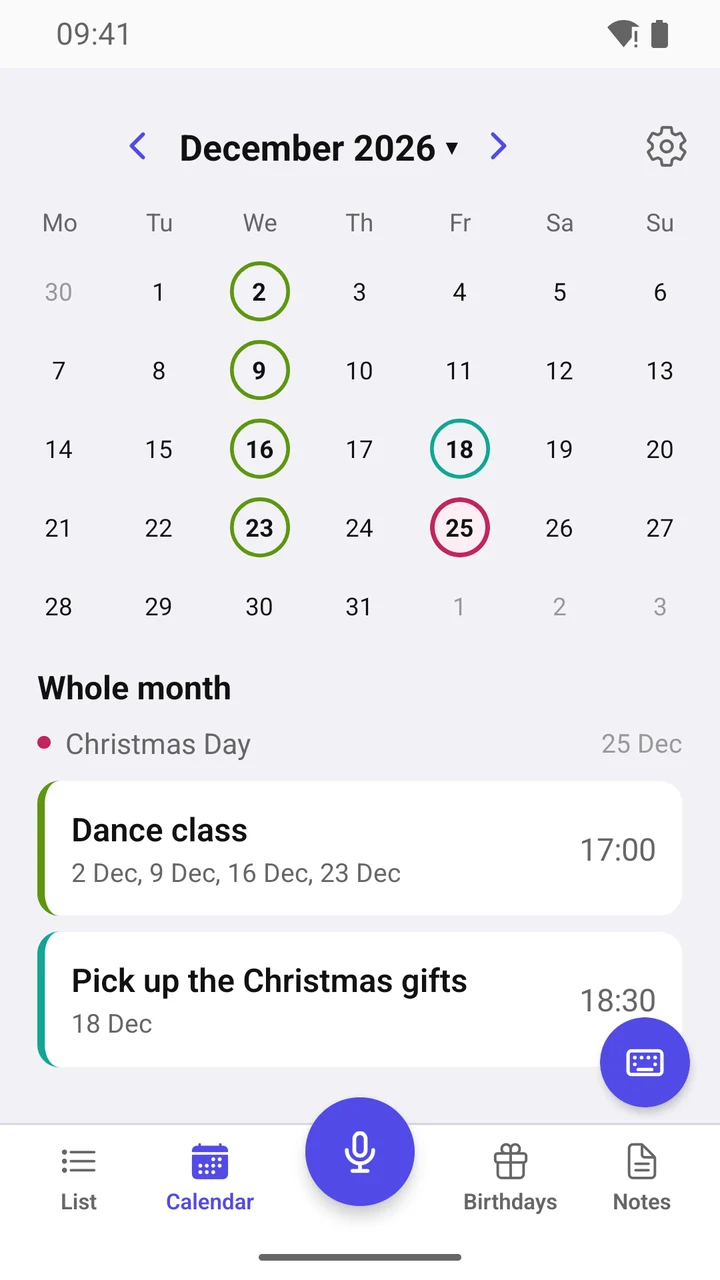
For example: “Dentist tomorrow at 10”, “Workout on Tuesdays at 7 pm”, “Call Anna in two hours”. Speak the way you normally do: Remika works out when to remind you and how often. All that’s left is to check it and tap “Save”.
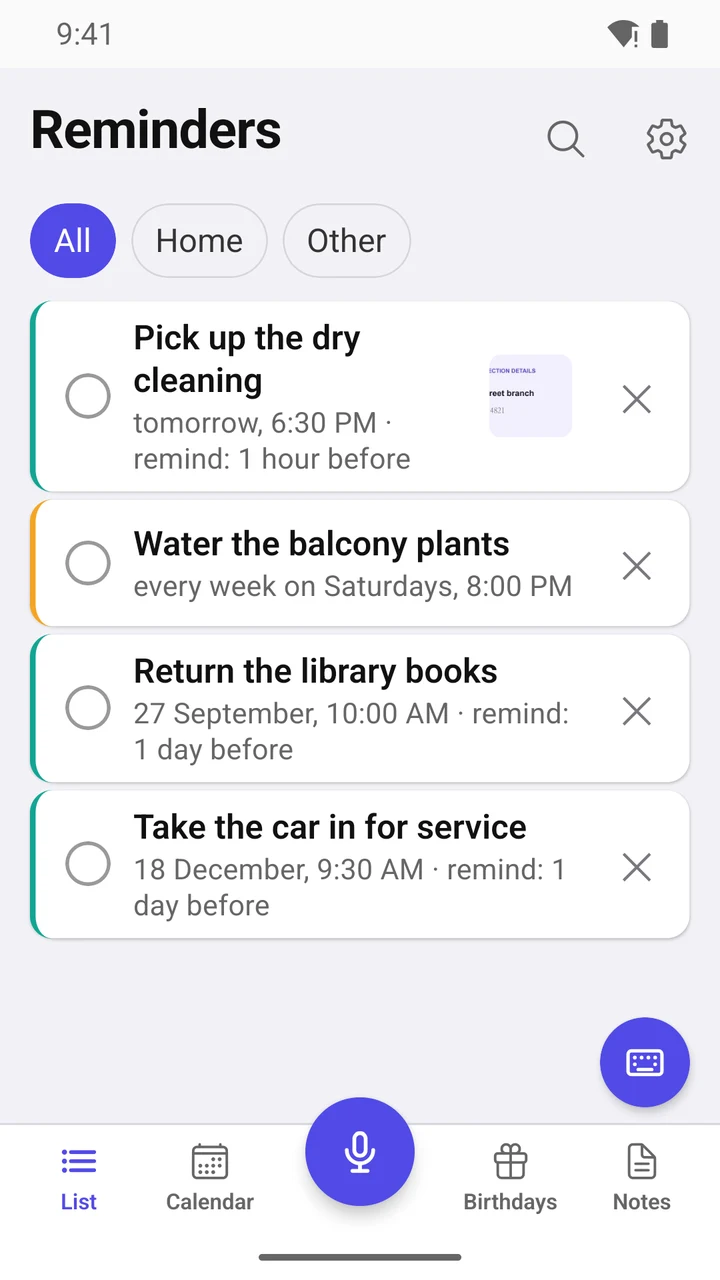
Never miss a thing
- Early alerts: half an hour, an hour, a day before — pick several at once.
- No response? Remika reminds you again: one to five times, 5 minutes to an hour apart. You decide how often.
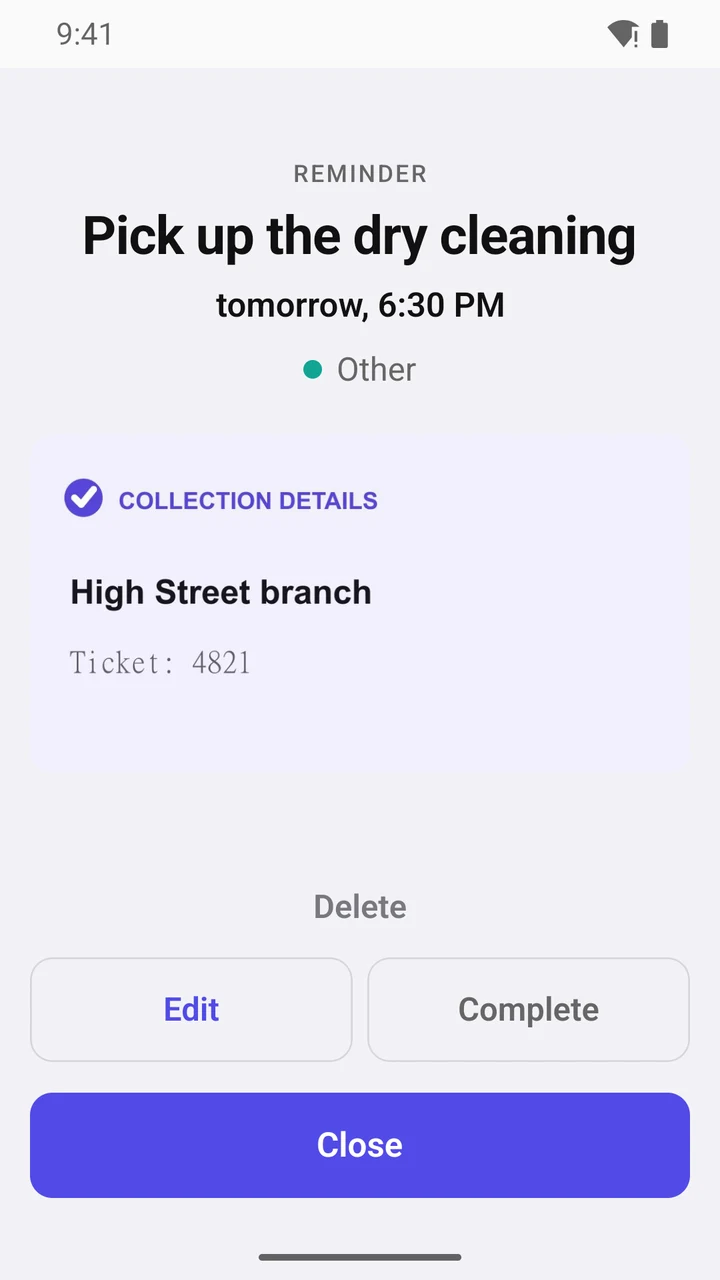
- Right in the notification: “Complete” or snooze — “+15 min”, “+1 hour”. No need to open the app.
- A to-do list for tomorrow or the next 7 days is sent automatically at a time that suits you.
Understands natural speech
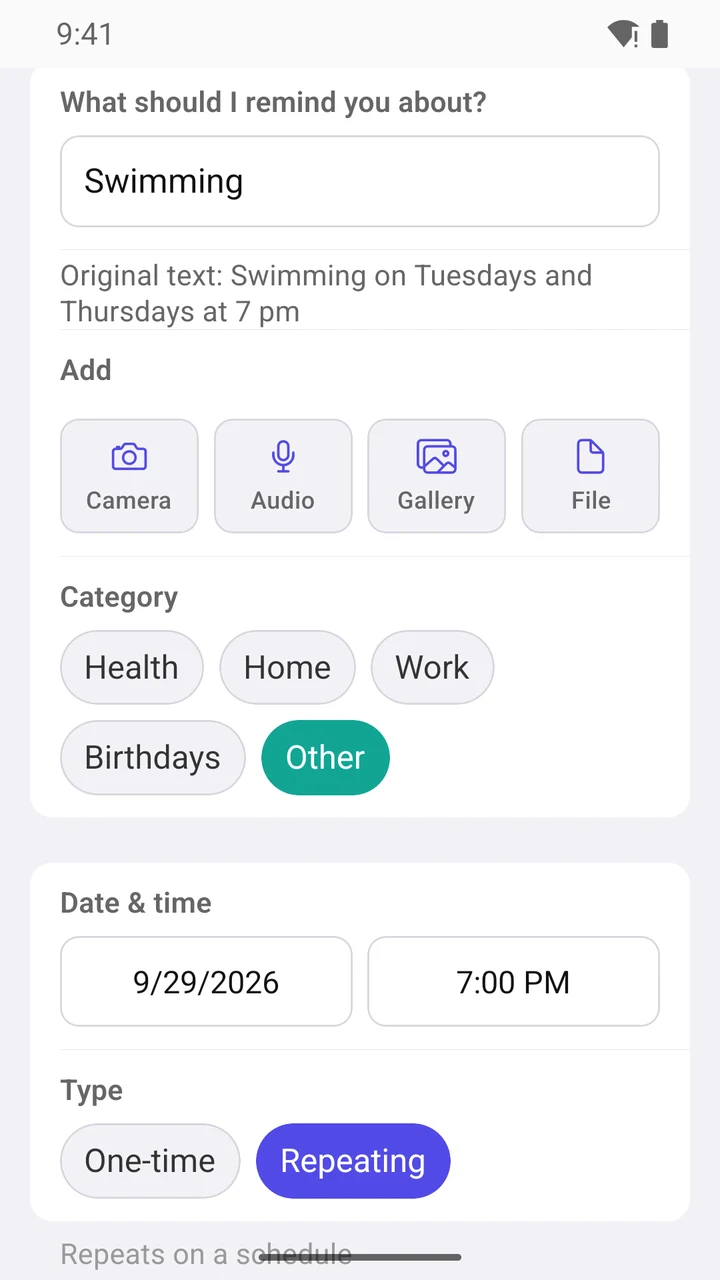
- Say it your way, no set phrases: “Turn off the oven in 20 minutes”, “Call Anna on Sunday evening”, “Take out the recycling every other Tuesday”, “Pay the rent every month on the 30th”.
- Two reminders in one sentence: “Dentist tomorrow at 1 pm and on October 1 at 5:15 pm”. Remika offers to create both at once.
- Catches mistakes: say “Wednesday, October 22” when the 22nd is a Thursday, and Remika asks which day you meant.
- Speak two languages? Add the second one in Settings: swipe up or down on the microphone button — and dictate in the other language.
Calendar and holidays
- No scrolling through the calendar or fiddling with time settings — just say what to remind you about and when. If something else is already planned for that time, Remika lets you know.
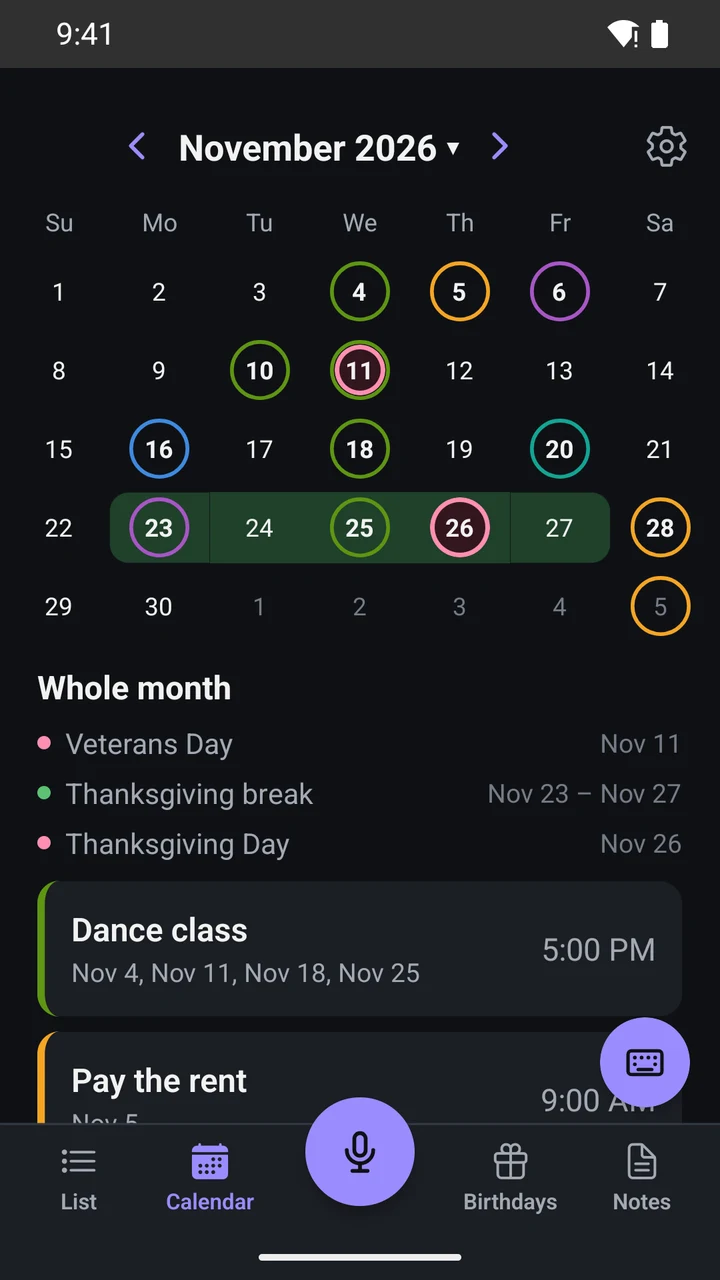
- Import events from Google Calendar and other calendars on your phone — Remika turns them into reminders.
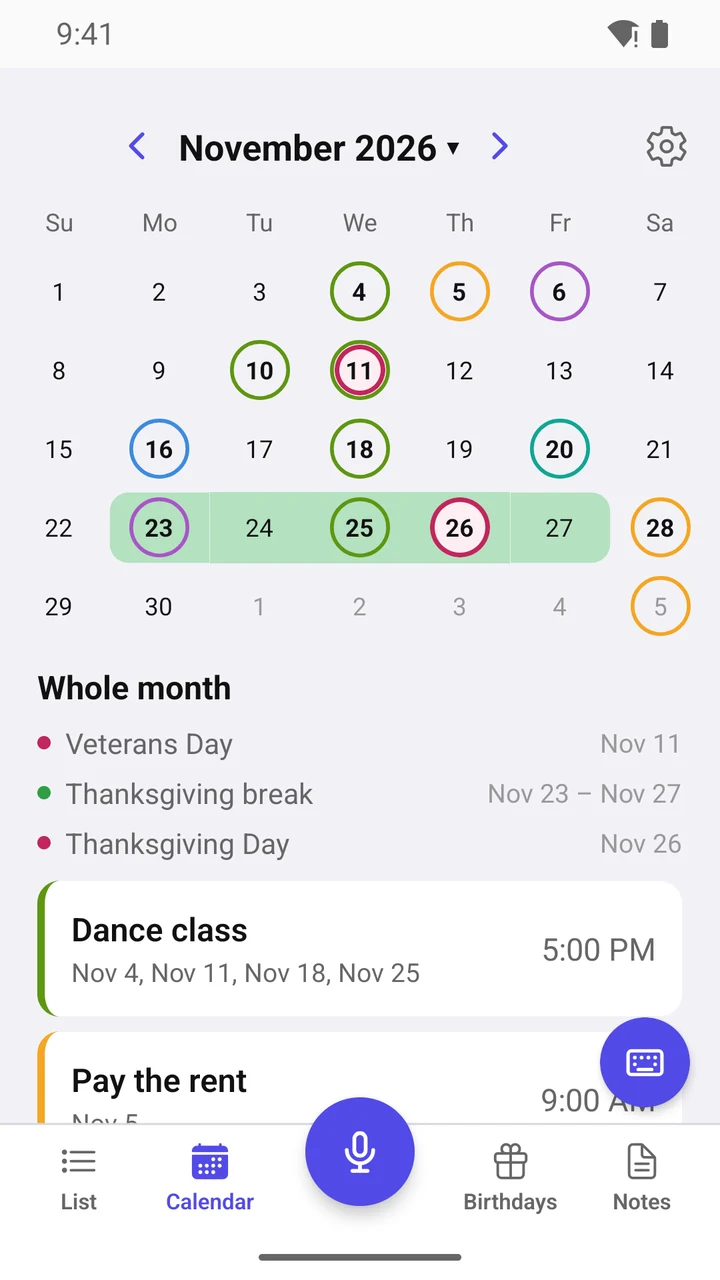
- The calendar shows only public and regional holidays that are days off, plus school breaks.
- Plane ticket, car rental, meeting invite: if an email comes with a calendar file (.ics), open it with Remika — and there’s your reminder.
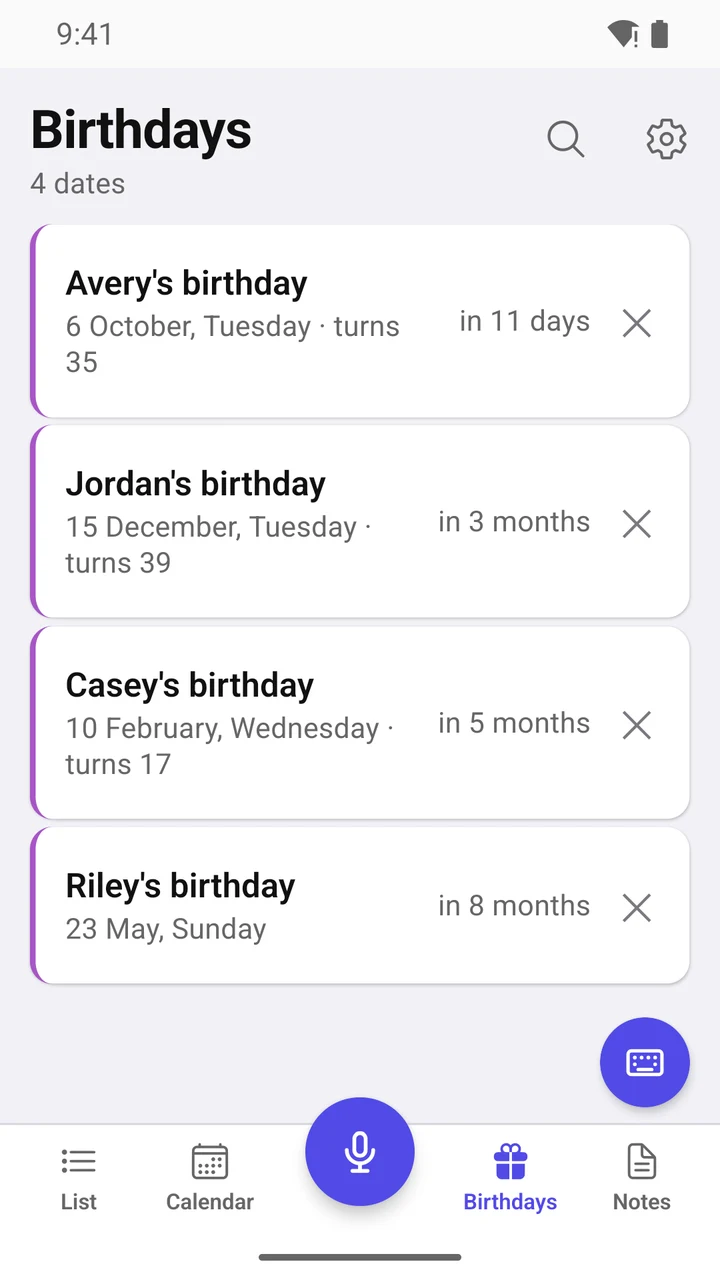
- Birthdays have their own tab. Remika reminds you in advance and shows the person’s age if the birth year is known.
Notes
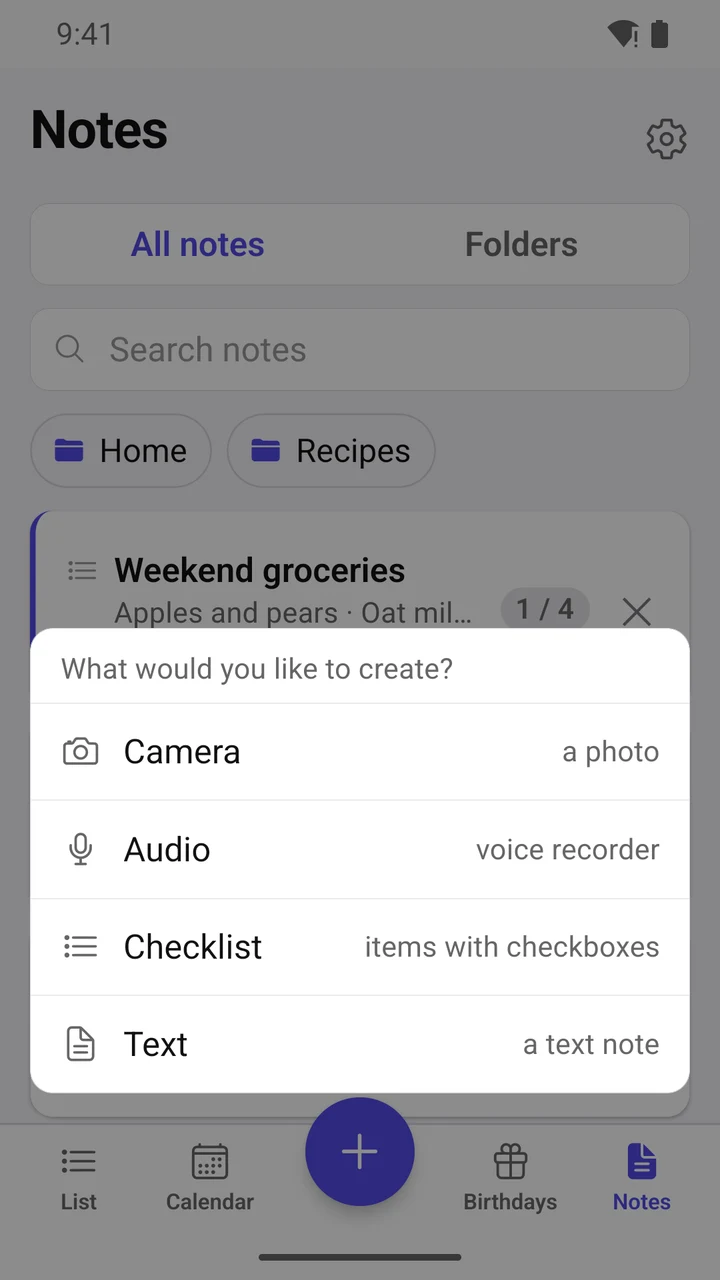
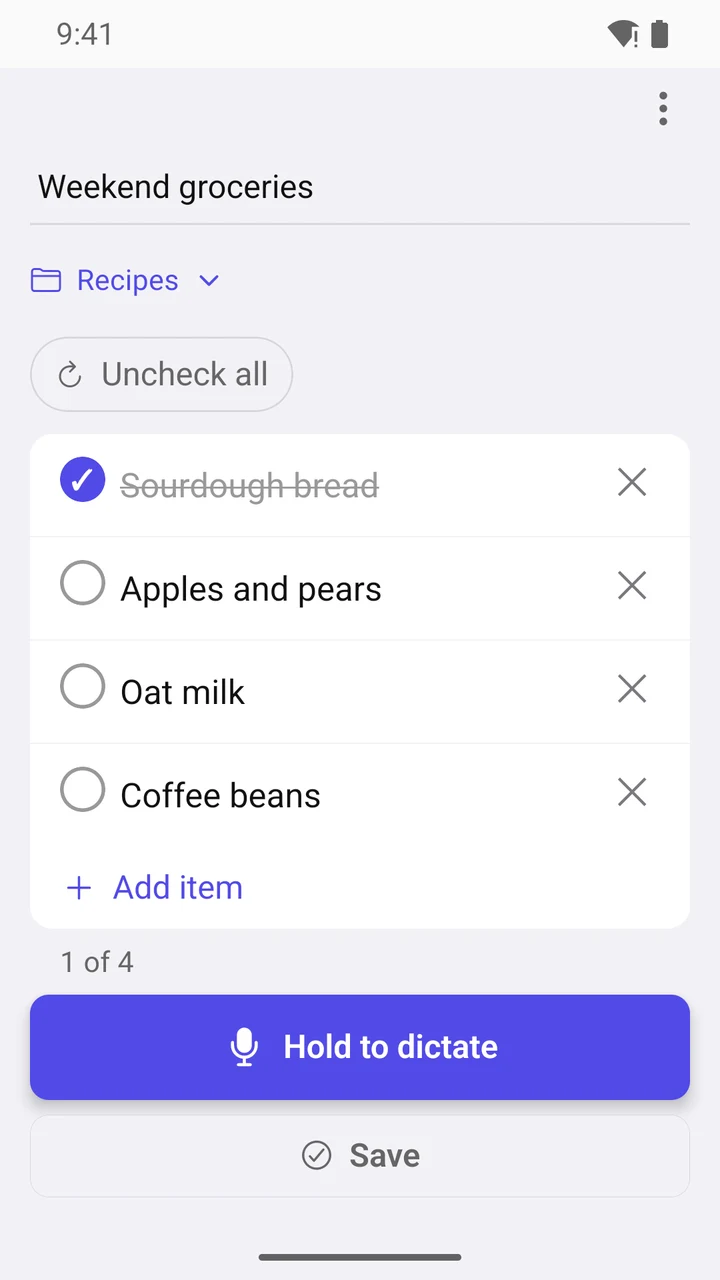
- A shopping list with checkboxes, a recipe, your kids’ clothing sizes — everything you want to keep at hand.
- Sort notes into folders and pin the ones you use most — they stay in view.
- Add up to 5 attachments to a note: photos, files, voice recordings.
- A file from an email, a YouTube video, an article from a website: tap “Share” → Remika, and it’s saved to a note. Links get a card with an image and a title.
- Dictate a list, and Remika splits it into items (via AI, internet required). While the list is open — when you’re out shopping, say — the screen stays on.
Thinks ahead for you
- Reminders sort themselves into categories: dentist into “Health”, internet bill into “Home”, meeting into “Work”.
- No time given? Remika uses your default time for “Buy milk on Tuesday” and the end of your workday for “after work”. You set both times once in Settings.
- Quick search across reminders, notes and birthdays.
Your reminders and notes are stored only on your phone
- No sign-up, no account, no ads, no analytics.
- A backup is a single file with your notes, attachments and settings: move everything to a new phone or restore it after reinstalling in a couple of taps.
Say it, Confirm it, Remika reminds you
Remika is made by a small independent team in Germany. Questions and ideas: support@remika.app